
Transform the way your students learn with aceconnect Premium Access
Premium Access brings ePACE, Readmaster, Typemaster, Mathbuilder, and Wordbuilder together in one easy-to-use digital hub, giving your school or homeschool powerful tools for individualized, engaging, and efficient learning.
Already registered? Log in to access your account.
Program Features

Access all Premium Access programs through your Internet browser any time and any place! No downloads are required.

Fun and engaging activities are used throughout ePACE and the enrichment programs to keep students excited and focused.

Auto-scored activities, Self Tests, and Tests save time and increase accuracy. Score Keys are not needed!

Premium Access programs allow for ultimate flexibility. You can use them with your Mac or PC desktop, laptop, or tablet.

There is no need to worry about losing data. The program does the ePACE recordkeeping for you and saves the data on secure servers.

Enjoy colorful graphics, video clips, varied Test questions, auto-generated reports, and much more!
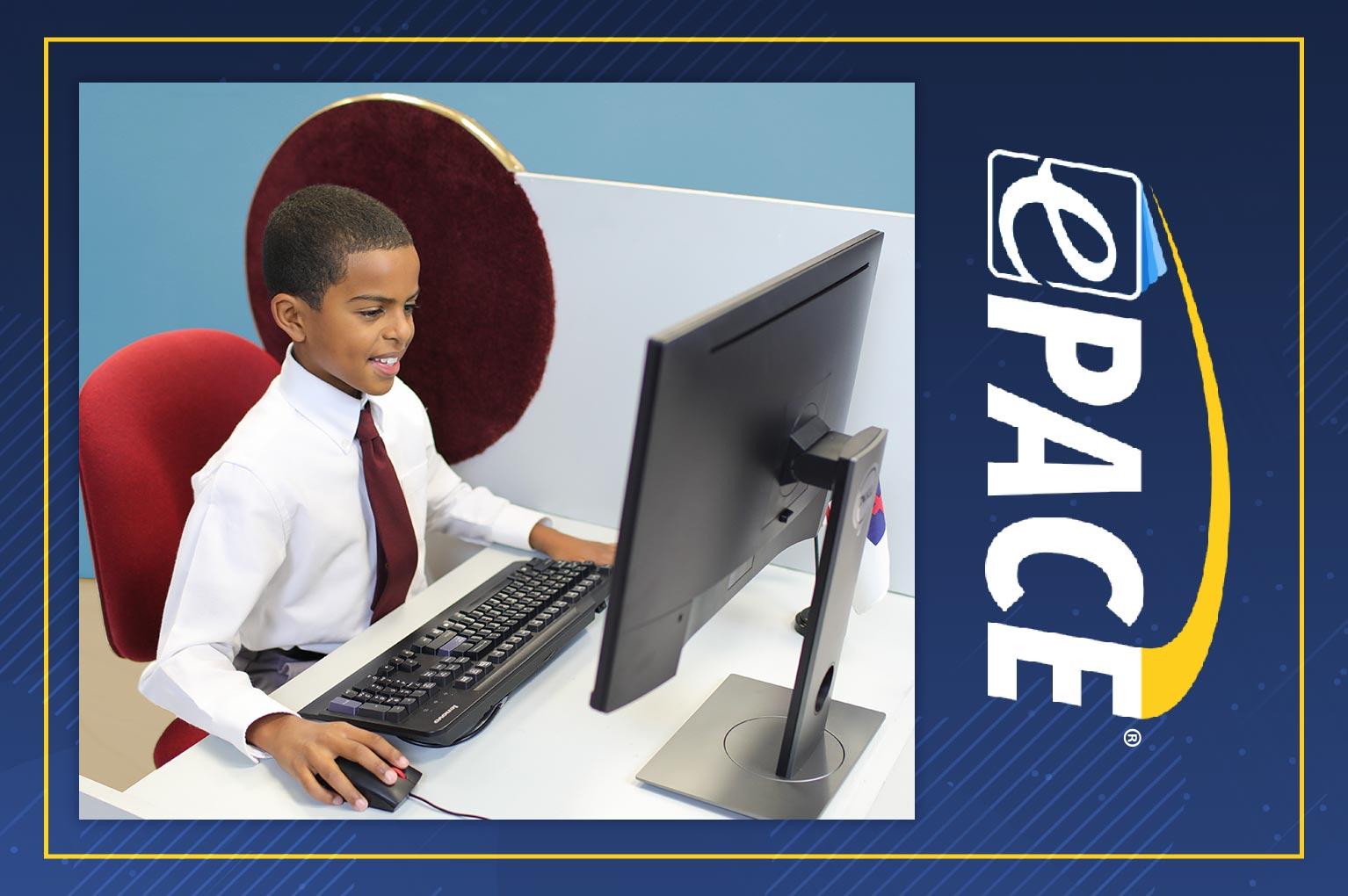
Welcome to ePACE, aceconnect's learning management program! ePACE incorporates A.C.E.'s time-tested curriculum and learning procedures with the latest technology for an innovative online learning experience.
Students use interactive ePACEs online in place of printed PACEs. You may purchase each ePACE one at a time or in bulk. The ePACE is instantly available for an individual student once purchased and assigned. For more information and a list of courses available on ePACE, please check the FAQ section below.
Simple and Flexible Purchasing
Premium Access is just $99 per year (nonrefundable) and allows you to purchase and assign ePACEs for an unlimited number of students. Each ePACE is purchased separately or in bulk for $3.50 per ePACE. Automated scoring eliminates the need to purchase Score Keys. Premium Access also includes the four enrichment programs listed below and Word Building Self Tests and Tests for no extra charge.
Register Today
By using the Typemaster program, students develop proper keyboarding skills and increase their typing speed. The program's simple interface provides self-instructional keyboarding activities and drills to challenge each student at his or her level.
Each lesson of the Typemaster program builds on previously mastered skills, making this program an excellent option for students with beginning or intermediate typing skills.

Help your students improve their reading speed and comprehension with Readmaster. Students in Levels 1-12 are introduced to vocabulary words on their reading level, read engaging stories at an automated speed, and answer questions for comprehension.
Readmaster controls reading rate and level automatically based on student performance, but also gives supervisors the option to adjust settings manually.
The Mathbuilder program provides a simple yet engaging way for students to improve skills in adding, subtracting, multiplying, dividing, working with decimals and fractions, telling time, and counting money.
Users can easily choose a specific math concept, select the number of problems they want to attempt, and specify the amount of time allowed to solve each problem.
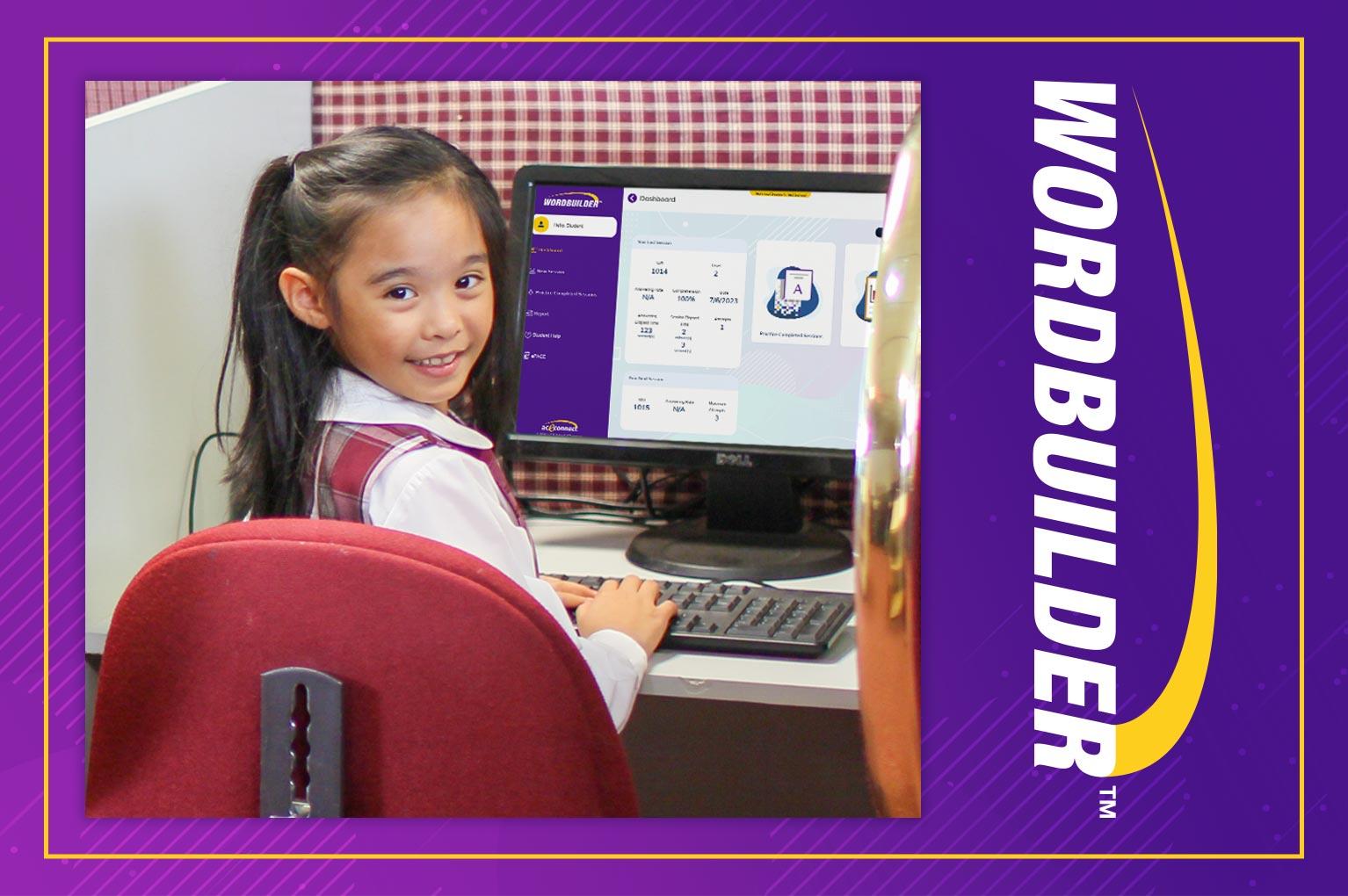
Wordbuilder aids in improving students' vocabulary with a creative alternative to rote memory. Students evaluate proper spellings and meanings of words and learn to avoid common misspellings. Minimal supervision is required.
Wordbuilder follows the Word Building PACE series, Levels 2-8, to reinforce the skills that students have just learned.
Frequently Asked Questions
What courses are available on ePACE?
The following A.C.E. courses are available online through ePACE. New online courses are continually being developed. Please check back later to see what new courses have been added.
- Bible Reading (Levels 2-6)
- Biblical Studies: New Testament Survey
- Biblical Studies: Old Testament Survey
- Biblical Studies: Life of Christ
- English (Levels 3-6)
- Math (Level 2-3)
- Science (Levels 2-9)
- Social Studies (Levels 2-11)
- Word Building (Levels 2-9)
Am I registering for an accredited school?
No. When you register for aceconnect Premium Access, you are subscribing to a digital platform that allows you to purchase, assign, and manage ePACEs and enrichment programs online. While ePACE provides online curriculum delivery and learning management, it is not a school and does not grant accreditation of any kind.
If you desire an accredited diploma, we offer two accredited pathways through Lighthouse Christian Academy:
- For homeschool families: LCA is an accredited homeschool academy that provides full academic oversight, recordkeeping, and accredited diplomas.
- For schools using the A.C.E. program: LCA offers dual enrollment options, enabling students enrolled in qualifying A.C.E. schools to earn an accredited high school diploma through LCA upon graduation.
LCA is the official accredited distance-learning provider for ACEM and the pathway for families or schools who need accreditation.
What equipment is needed?
ePACE, Readmaster, Typemaster, Mathbuilder, and Wordbuilder can be used on a desktop, laptop, or Chromebook computer or on a tablet (10 inches or larger). Your device must have audio and video capabilities, an Internet connection, and a common browser such as Microsoft Edge, Chrome, Firefox, or Safari. ePACE will not work offline. No downloading is necessary. Mobile phones are not recommended or supported.
How do I access the supplemental curriculum videos?
The supplemental curriculum videos are free resources that can be found on the Curriculum Videos page. The purchase of aceconnect Premium Access is not required to view these videos. Please click the Resources menu in the header or use the link below to access the videos.
Curriculum VideosWhat audio tools and resources are available on ePACE?
Each ePACE features text-to-audio capability along with audio for vocabulary in Word Building Self Tests and Tests. The built-in A.C.E. dictionary and online Bible are available for student activities.
Why are Word Building Self Tests and Test included at no extra charge?
Word Building Self Tests and Test are an added bonus to all schools and homeschools who have registered for aceconnect Premium Access. You have the option to use the printed Word Building PACEs along with ePACE Self Tests and Tests. With ePACE, it is no longer necessary to read vocabulary words aloud to students who are testing—the audio is already done for you. ePACE Word Building Self Tests and Tests replace the previous audio CD-ROM program.
What are the benefits for schools that have currently been awarded a status through A.C.E.?
Schools that are currently awarded a status can access all ePACE Self Tests and Tests free of charge with the purchase of Premium Access. This additional benefit allows status schools to use printed PACEs if desired and then use ePACE for testing.
How will my students develop proper handwriting skills using ePACE?
ePACE includes printable PDF worksheets that facilitate proper handwriting skills. The system will prompt younger students to request these printed worksheets from their supervisor. Older students can print their own handwriting sheets as they work through their ePACEs.
Can I preview ePACE before registering?
For a look inside the ePACE program, please click the link below to view an ePACE promotional video hosted on the aceconnect YouTube channel.
How can I get technical support?
Support videos are available to assist you after registering for Premium Access. For technical questions not covered by these videos, please email epacesupport@aceschooloftomorrow.com or call 615-612-5288.